Does the calendar include public holidays?
No. Display Calendar stays jurisdiction-neutral. Use Yearly Events for a curated planning list, or add your own events here.

Switch between responsive month and year views, choose the first weekday, add private events, and print or export without creating an account.
Custom events stay in this browser tab and are included only when you choose to download an ICS file.
This responsive calendar shows any month or full year from 1900–2100, highlights today, supports Sunday or Monday starts, and lets you add local events.
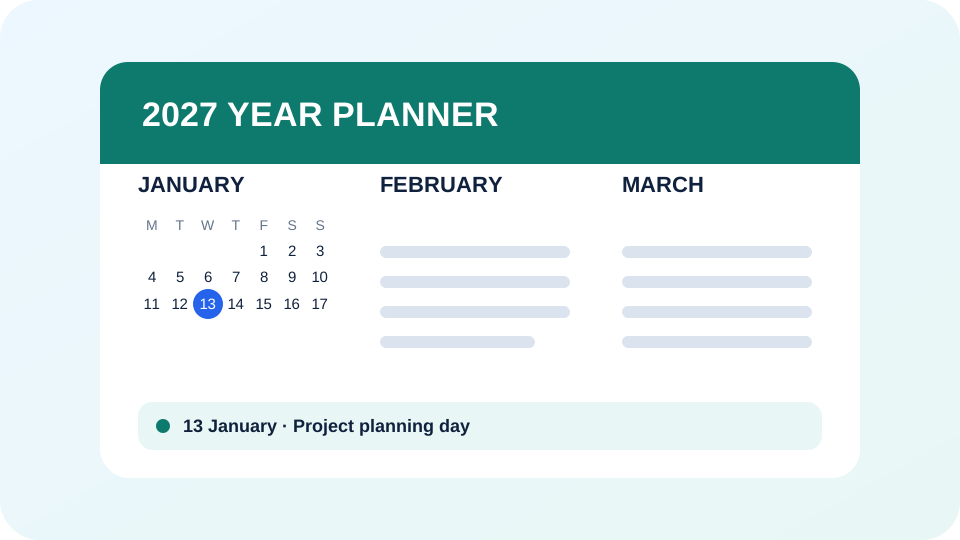
Input: Year 2027, Monday start, yearly view
Output: A clean 12-month calendar ready to view or print
No. Display Calendar stays jurisdiction-neutral. Use Yearly Events for a curated planning list, or add your own events here.
They remain in memory in the current browser tab. Tool Teaze does not upload or save them.
Yes. Switch the first weekday between Sunday and Monday at any time.
Yes. The print layout removes controls and formats the calendar for paper or Save as PDF in your browser.